
ClearCorrect Classic (Dr.Portal) - 3Shape Unite integration guide
12/03/2024How to install ClearCorrect Classic in 3Shape Unite
- Open 3Shape Unite, go to “More” > “Store”

- Navigate to “Straumann Group” section, find ClearCorrect Classic-EU.
NOTE: Depending on your location (region) you will see ClearCorrect Classic-US or ClearCorrect Classic-AS correspondingly. Click “Install” button.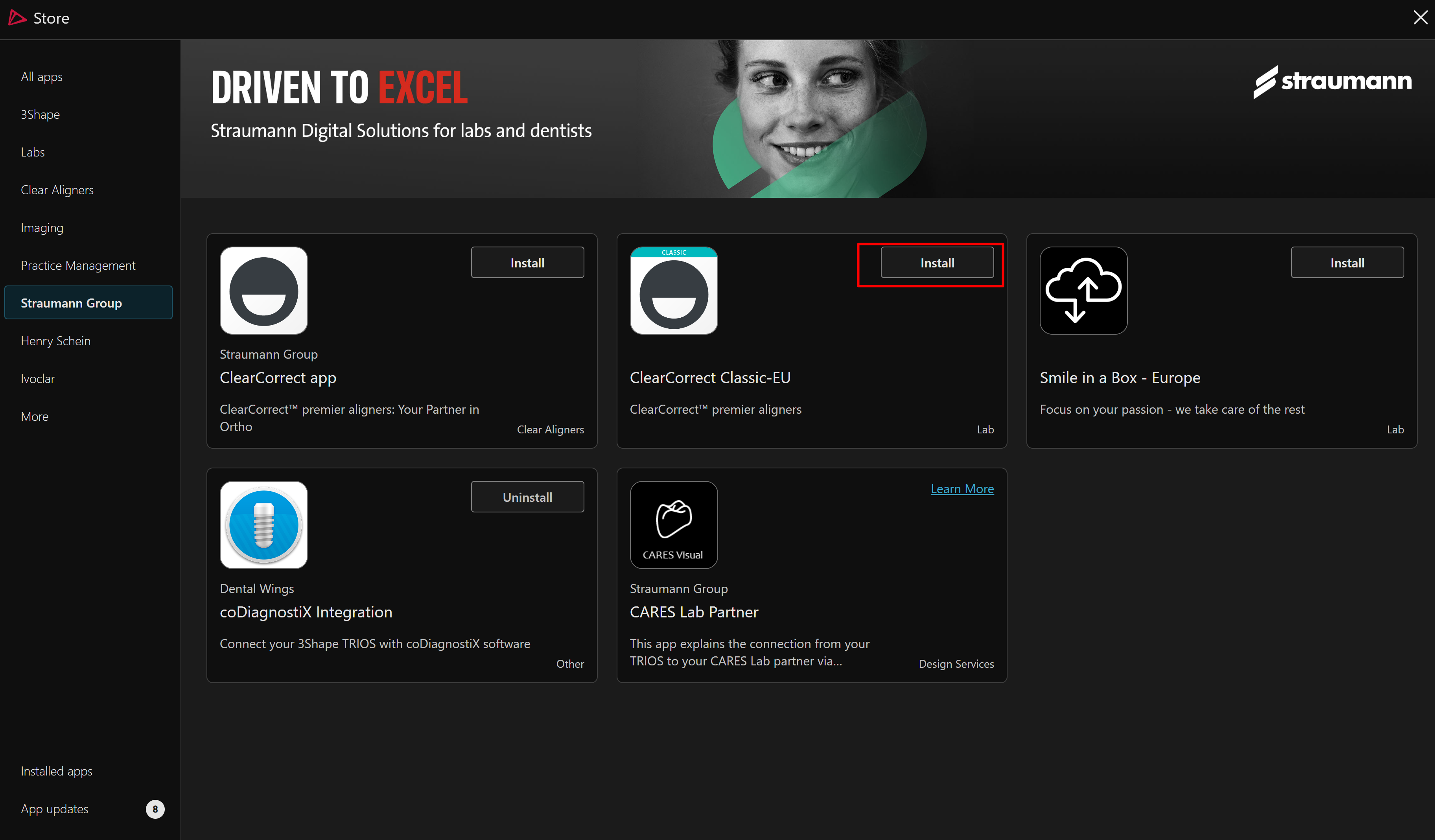
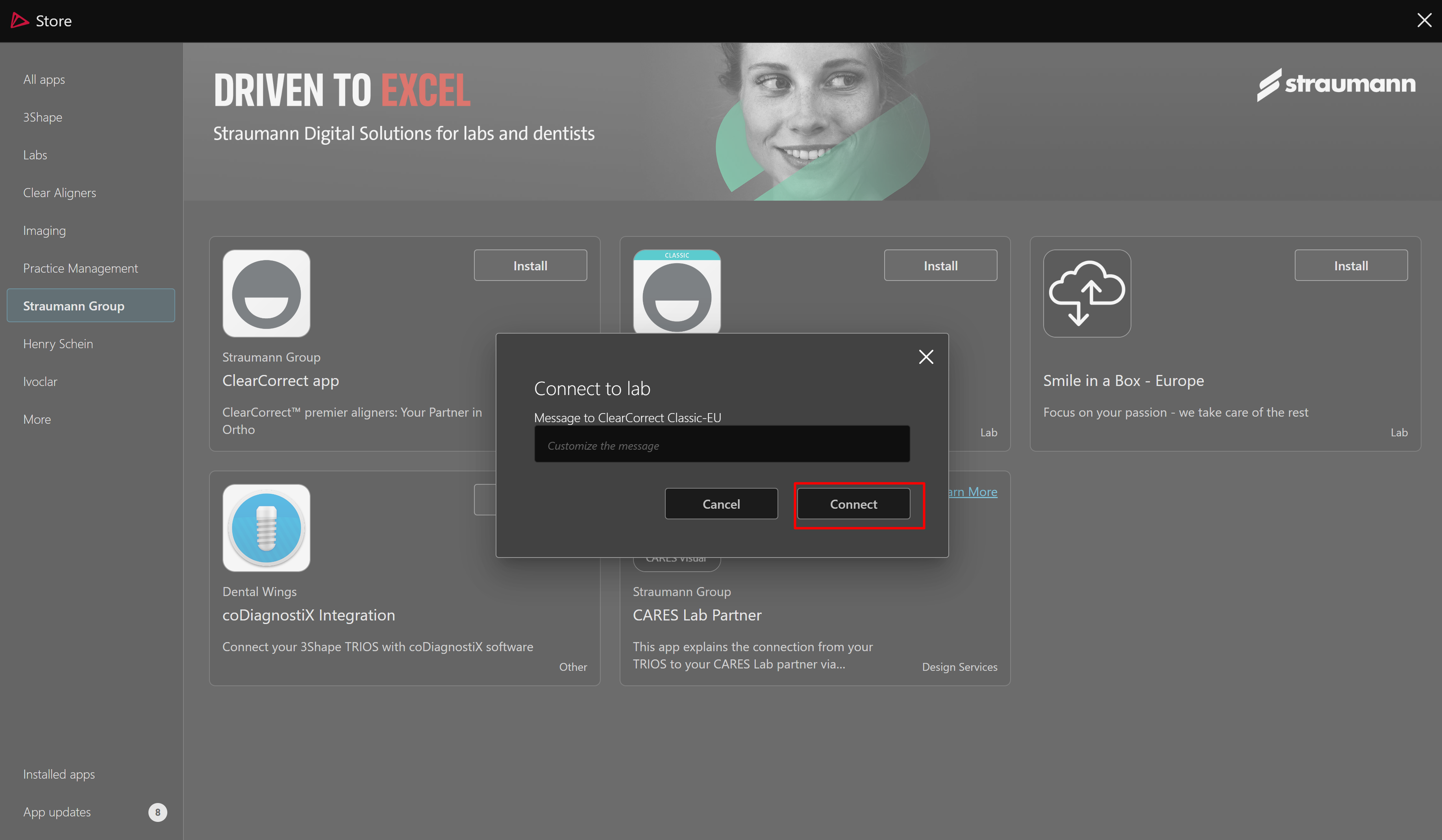
- In new pop-up click “Connect” button
How to finish pairing with your ClearCorrect Account on Dr.Portal
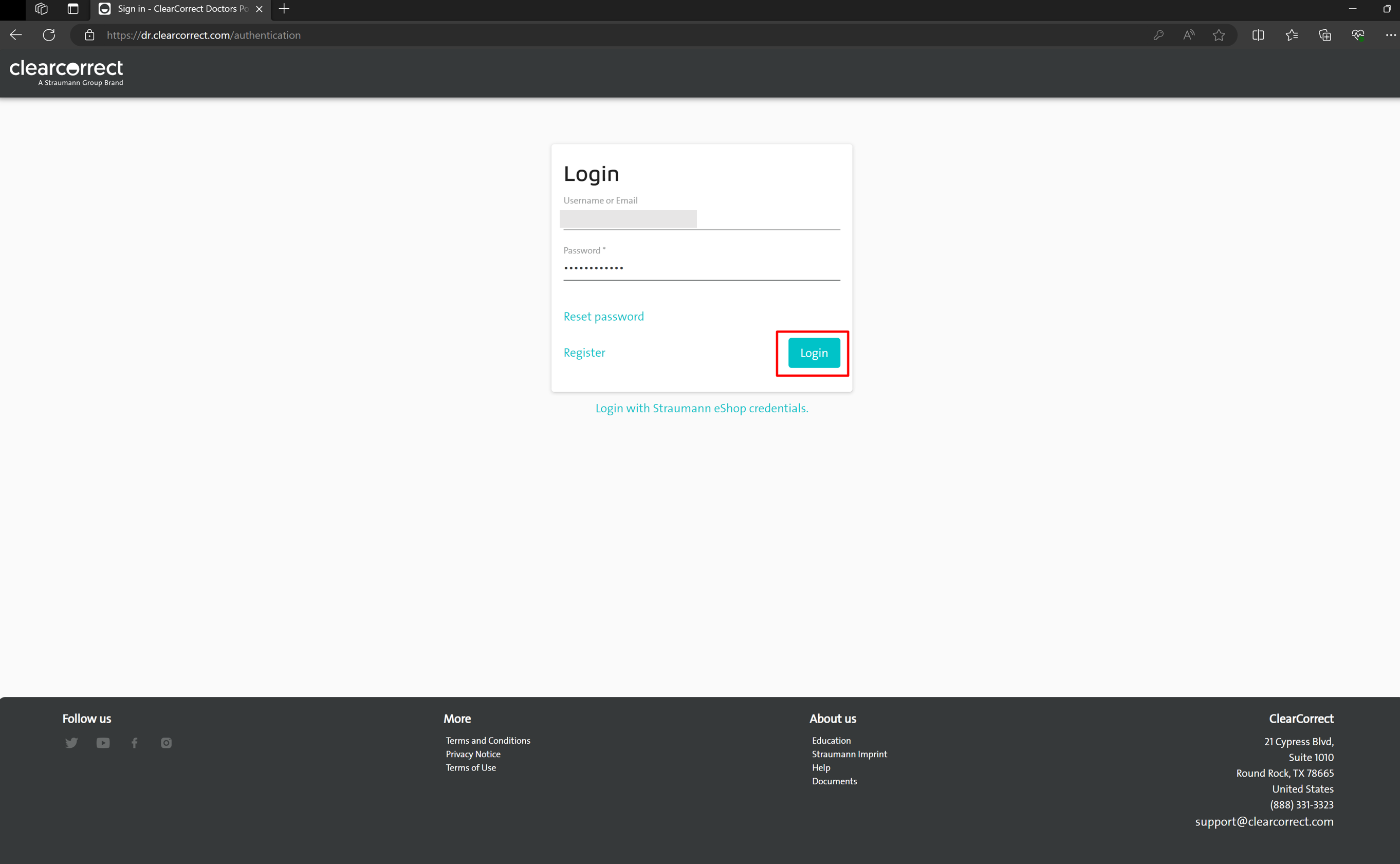
- Open ClearCorrect Dr.Portal (Sign in - ClearCorrect Doctors Portal) in the browser you use. Enter your ClearCorrect username and password and click “Login” button.
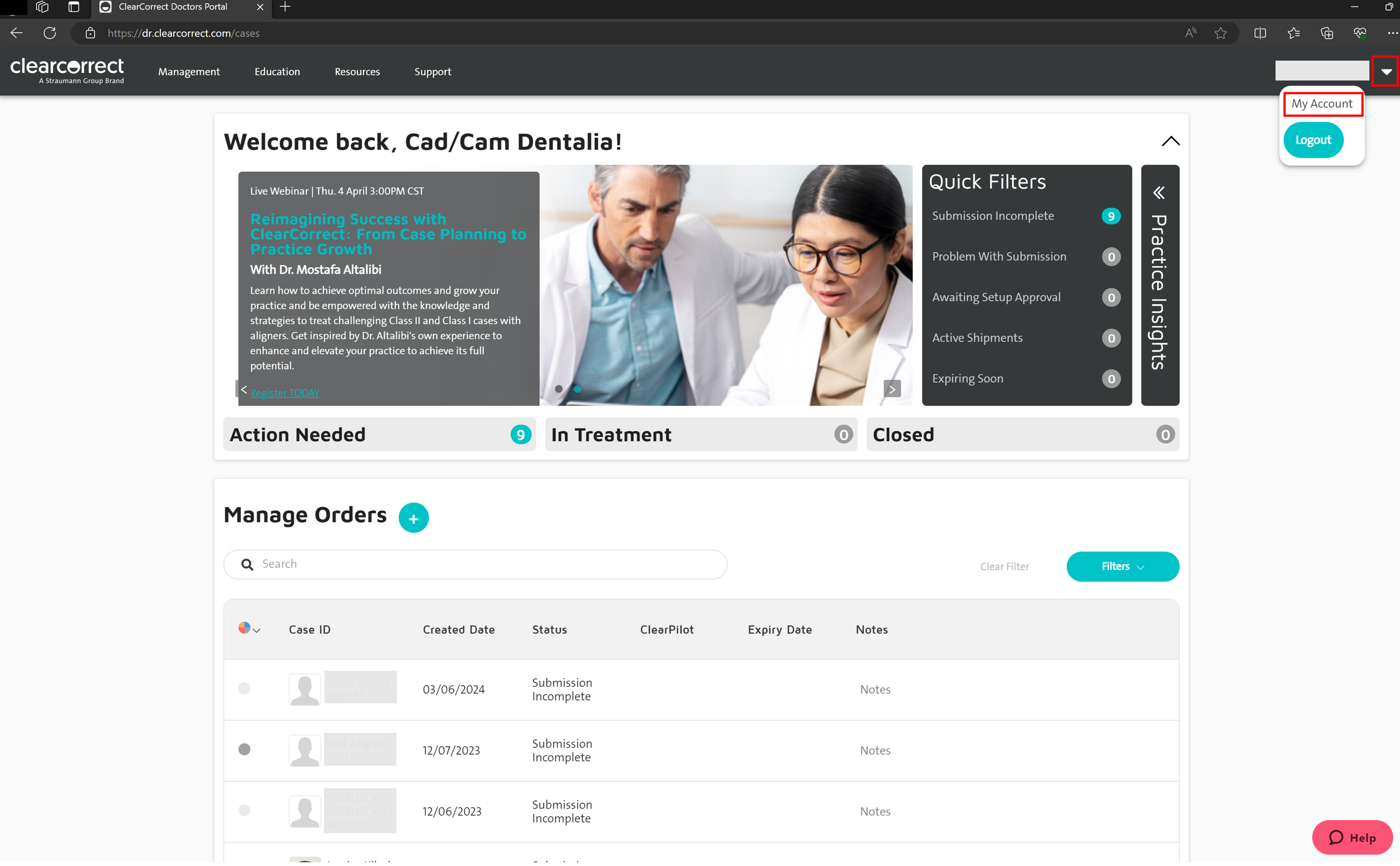
- In the upper right corner, click on “My Account”.
- In the right menu find “Pairing” section and click "Pair" button.
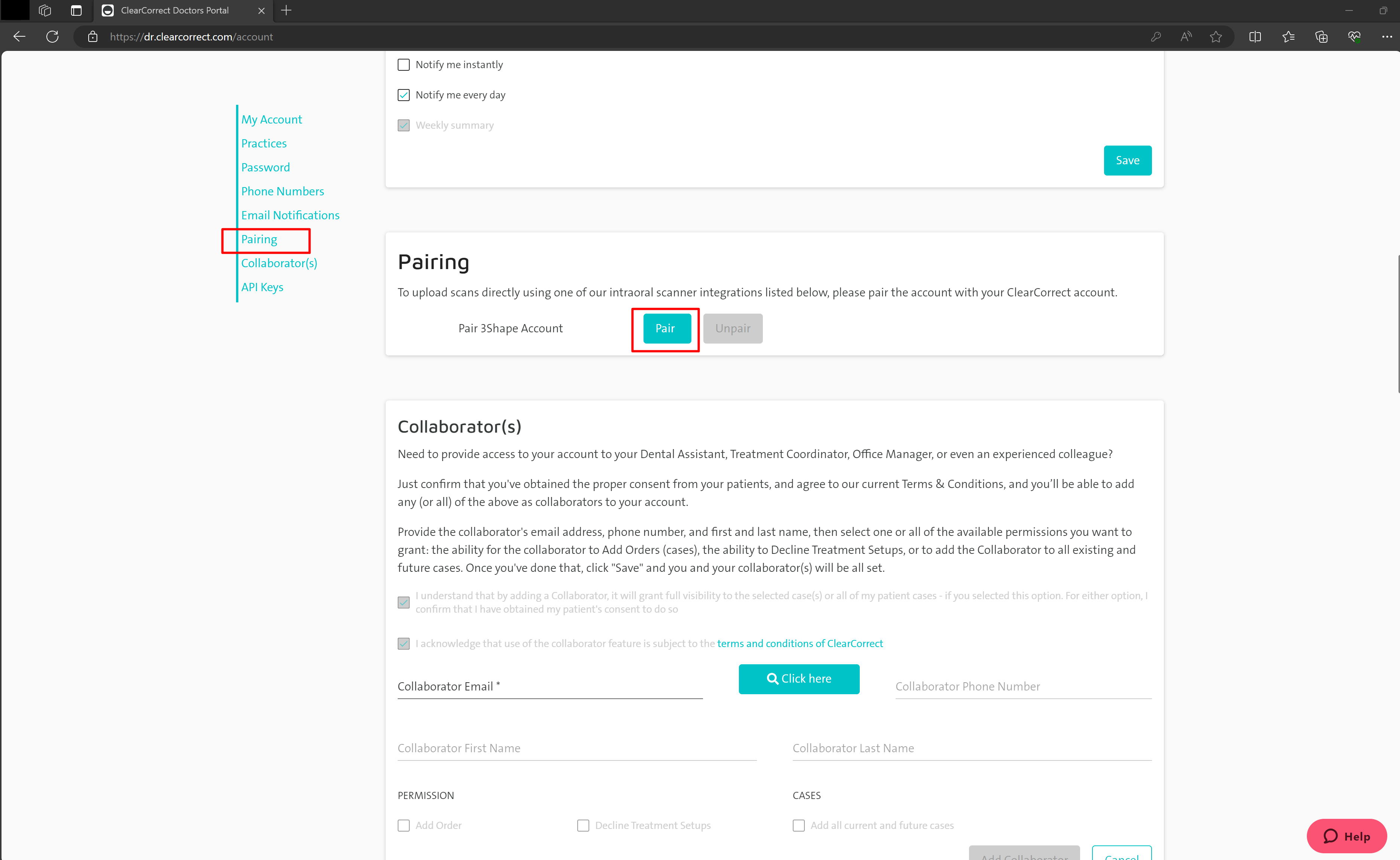
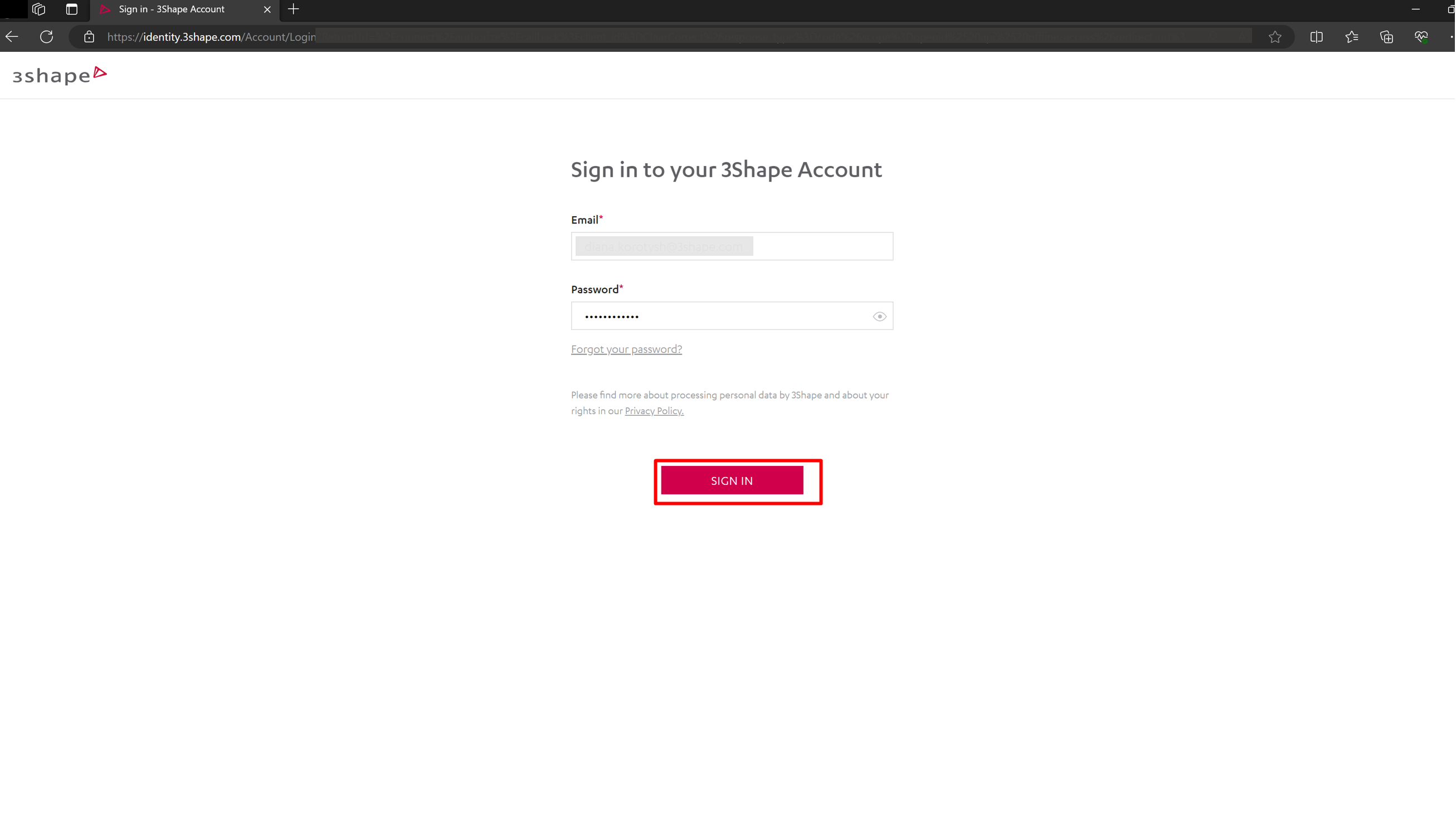
- You will be redirected to the 3Shape Account login page, enter your 3Shape Account credentials and click “Sign in” button.
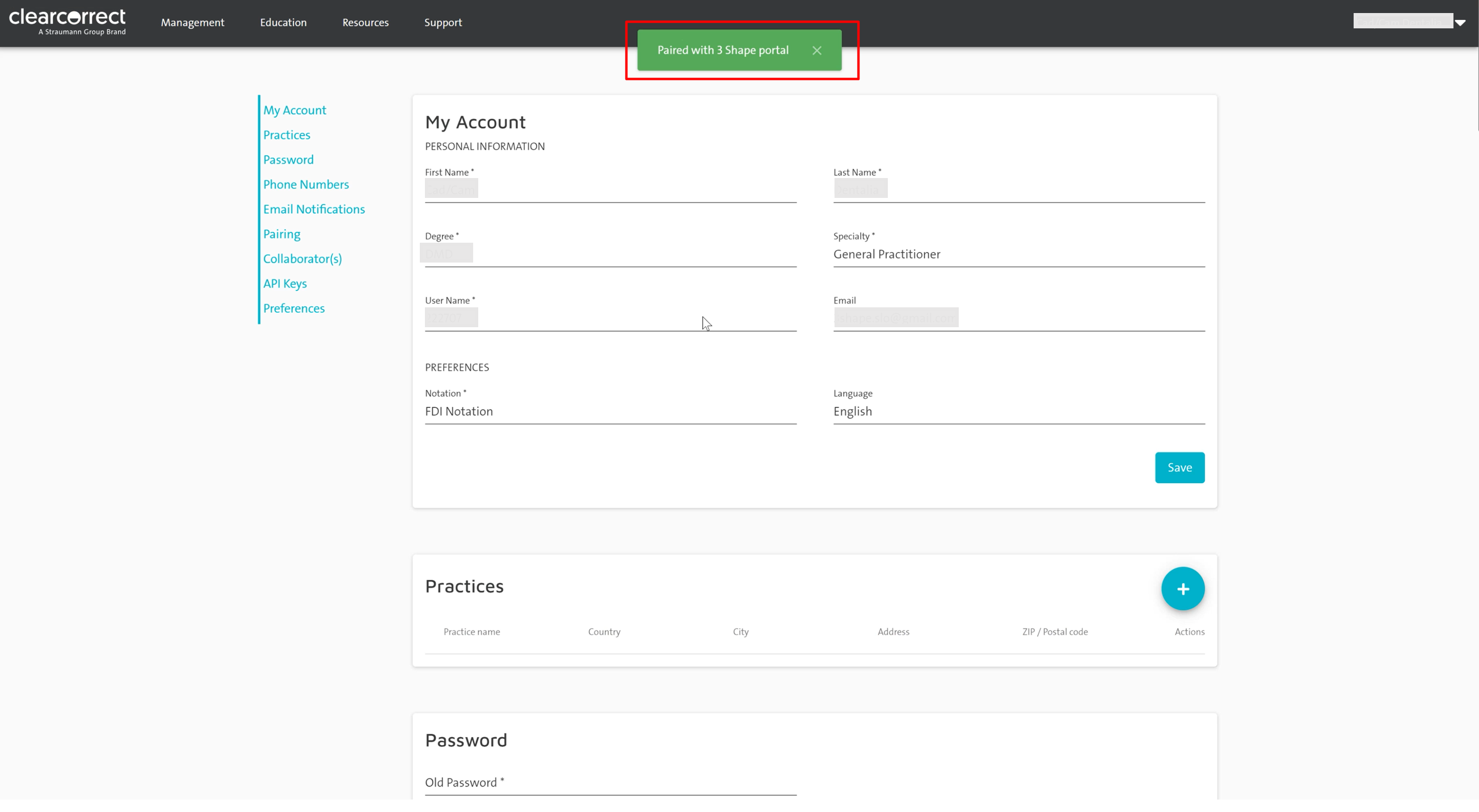
- Once Account pairing finished, you will see the notification message “Paired with 3Shape portal”.
Create case in 3Shape Unite and send to ClearCorrect Classic
- Select the “Patients” tab in the upper-left corner of Unite.
- Create a new patient or select an existing patient.
 Once the patient is created, a new window appears.
- Under the Scan & Send menu, select ClearCorrect Classic-EU

- Choose restoration type in the Order Form and click Save.

- Proceed with TRIOS scanning for the Lower, Upper jaws and a Bite scan.

- Choose delivery date and click “Send” button.

Proceed with the workflow on ClearCorrect Dr.Portal
Once the case is sent to ClearCorrect, you can see scans directly on ClearCorrect Dr.Portal.
- Create an order and fill in Patient information.
NOTE: Date-of-birth is now a required field.
- Select the Upper/Lower Arch and click on TRIOS button.

- Select the corresponding Patient from the list and submit scan files to ClearCorrect.

- Proceed with order and treatment plan on ClearCorrect Dr.Portal.
Contact 3Shape Support if you have further questions.
For full information on correct usage please consult the official Safety and Setup Guide and the most current Manual.