
Error Message "It seems you didn't set the cutout line to generate the die. Please open the sectioning feature and draw the cutout line" on sectioning step in Model Builder
04/09/2024
An error message may occur if the cutout line is not transferred from Dental Designer to Model Builder. Follow the steps below to work around this behavior:
Step 1: Click "OK" to dismiss the error message.
Step 2: Click on the required tooth to set the margin line.
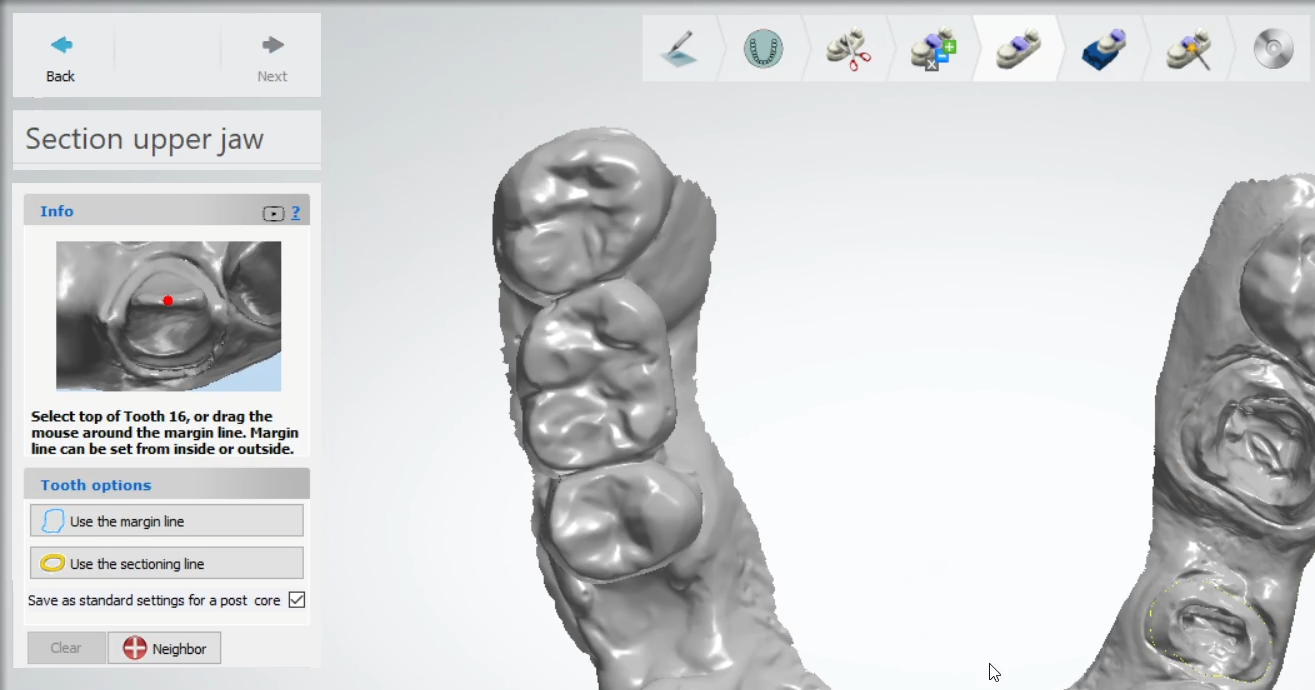
Step 3: If necessary, correct the generated cutout line to ensure accuracy.
Step 4: Continue with the design process as usual.
Contact 3Shape Support if you have any further questions.
For full information on correct usage consult the official Safety and Setup Guide and the most current Manual.